← Stanvera Retail OS
Retail OS — storefront
Built · Pre-launch · Custom retail commerce & fulfillment

Retail OS.

Custom POS  ·  E-shop  ·  Inventory  ·  Fulfillment

Four apps. One backend. Zero manual stock updates.
Built end-to-end for a shop that sells in-store and online simultaneously.
Live connection

Four apps. One truth.

STOCK SYNC ORDERS INVENTORY FULFILLMENT Storefront Public e-shop Admin Custom panel Scanner Mobile app Fulfillment Mobile app S

One unit sold in-store via scanner — gone from the e-shop instantly.
One order placed online — ready to pick and ship in seconds.

01 / Storefront
Public e-shop

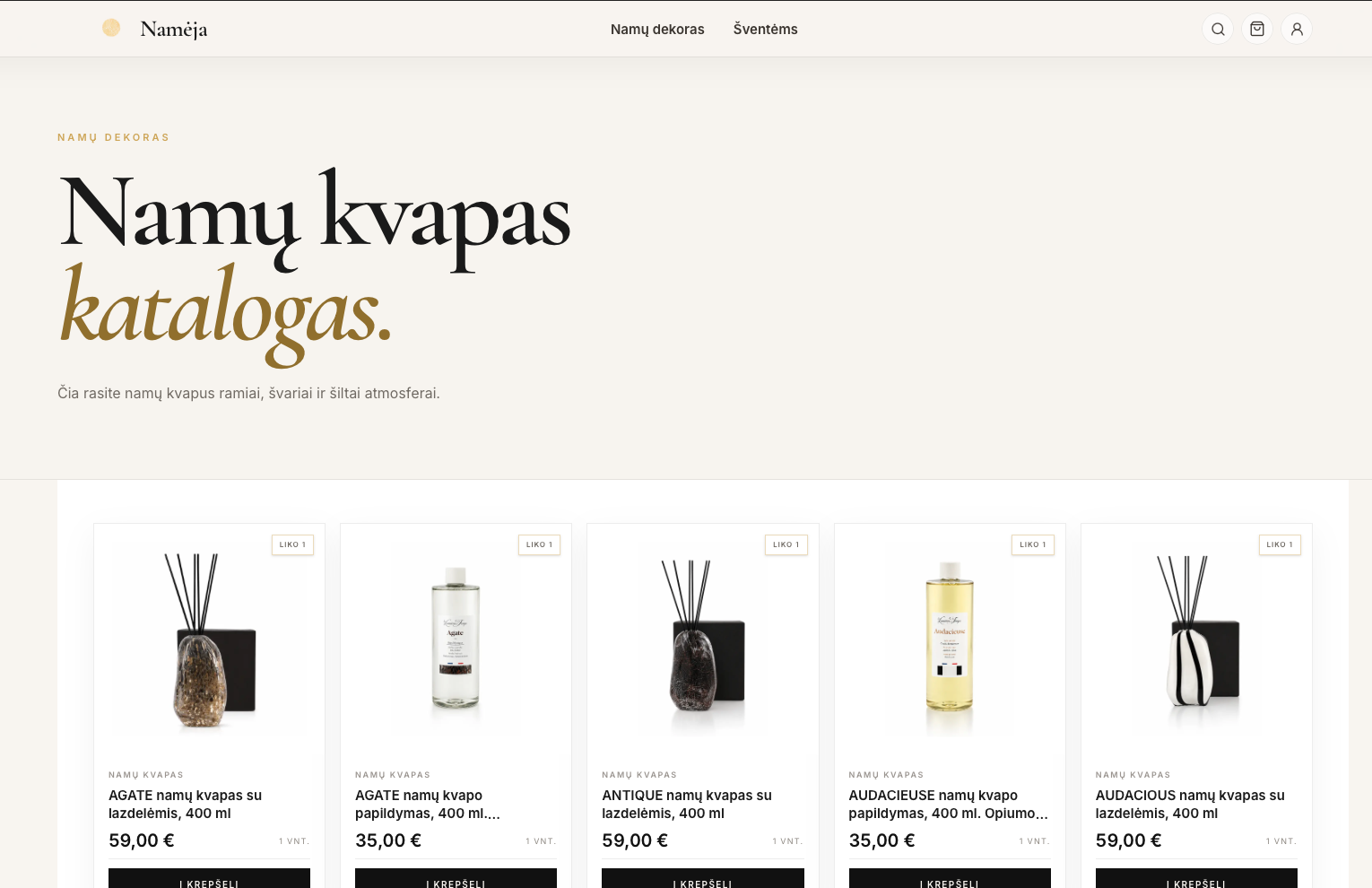
Customer-facing store and product catalog. Inventory reflects reality in real time — no manual updates, ever.

Retail OS storefront
Live stock sync
Public storefront
Retail OS catalog
Product catalog
02 / Admin
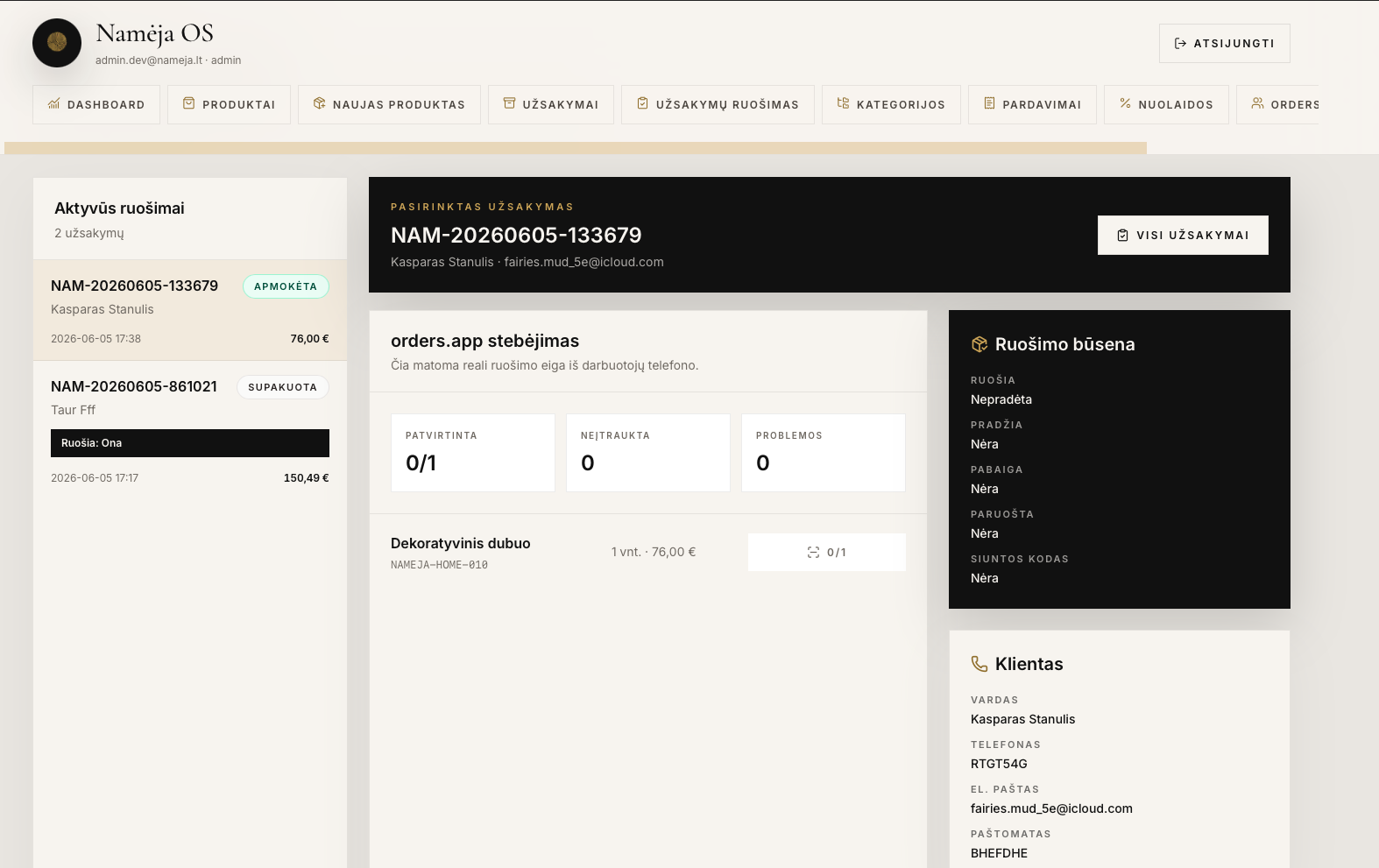
Custom admin panel

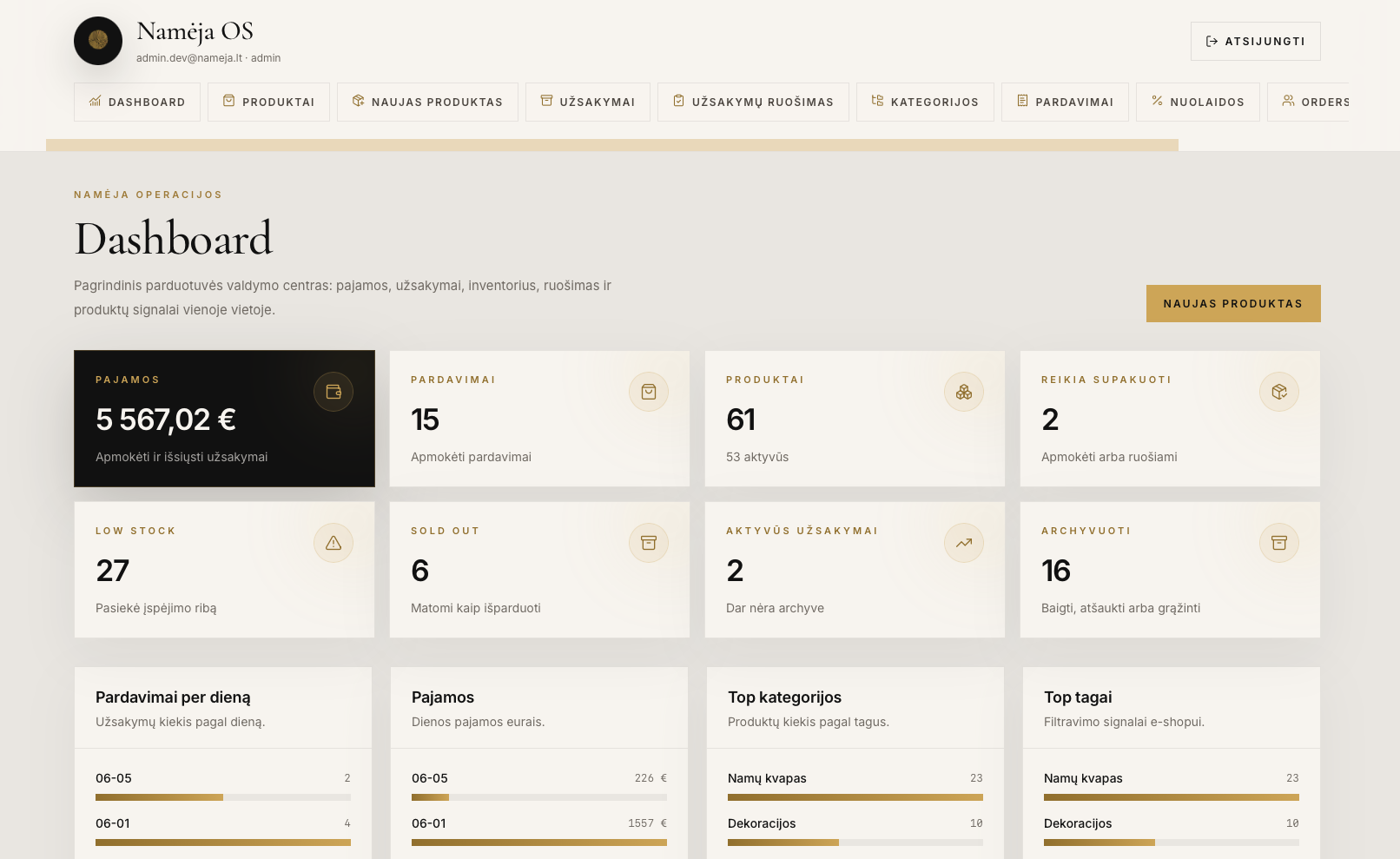
Manage products, stock, orders, employees, and analytics. Designed for a non-technical owner — not for trained software users.

Retail OS admin panel
Stock management
Order overview
Retail OS admin detail
Analytics dashboard
Promotion control
03 / Scanner
Mobile scanner

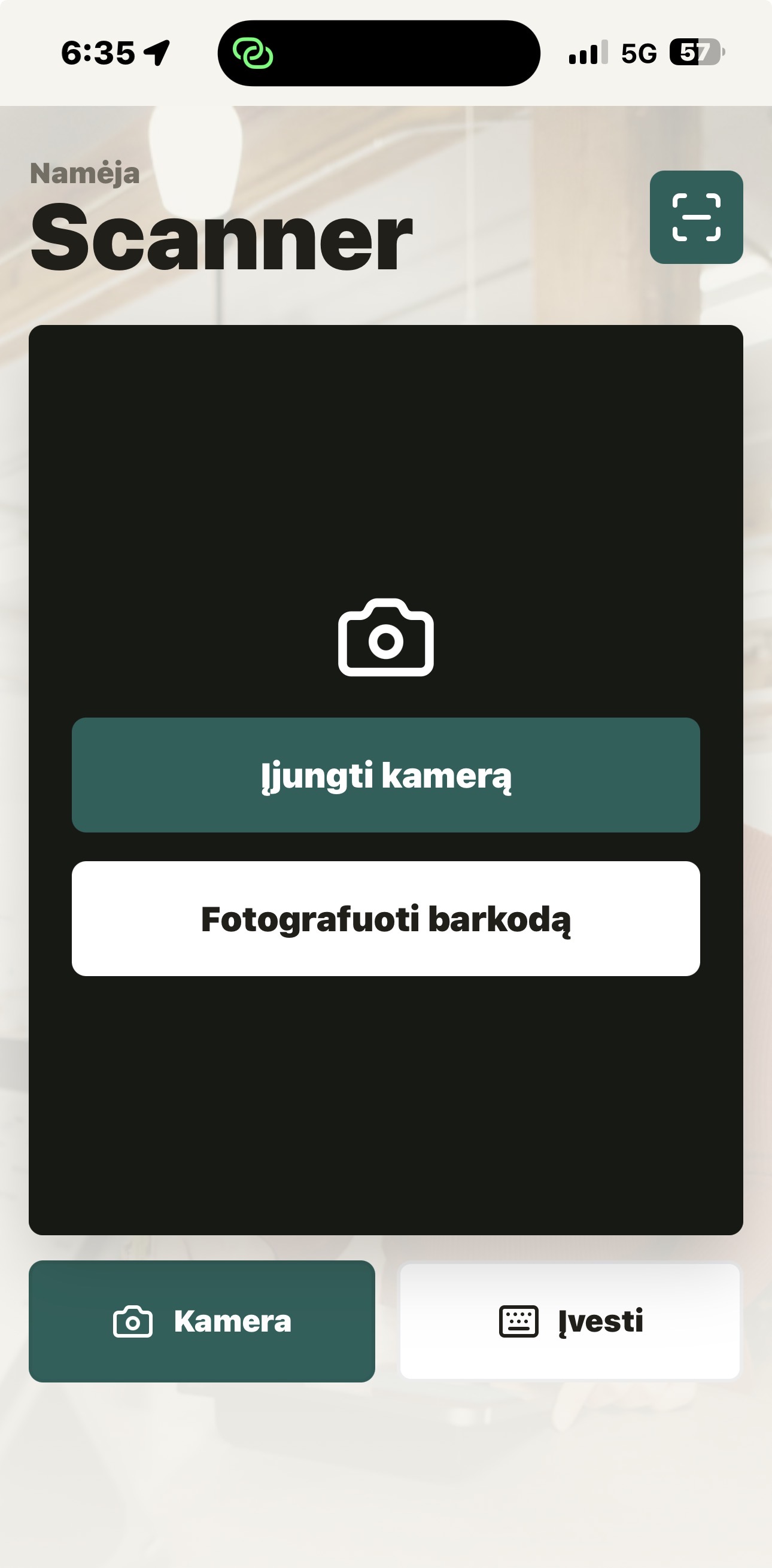
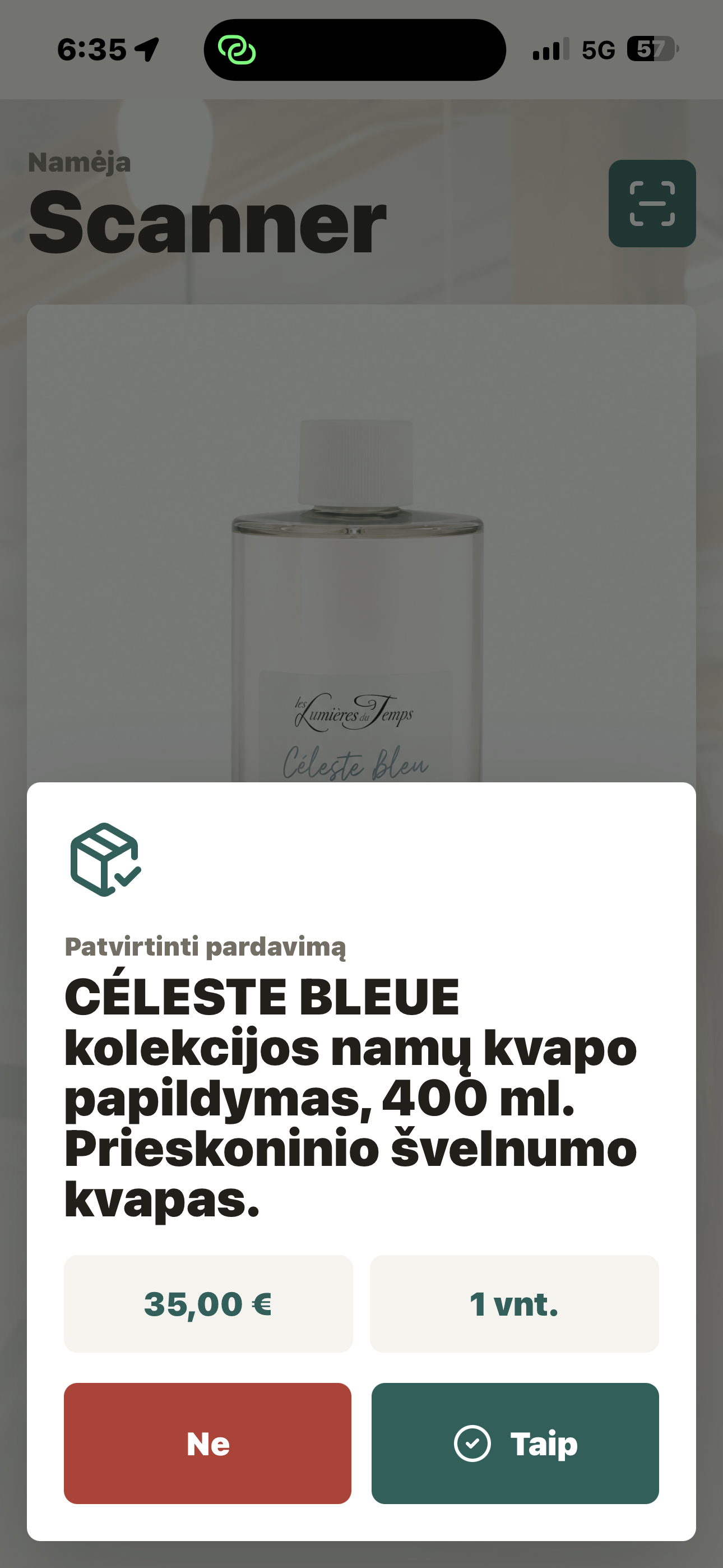
Scan a barcode. One tap. Stock syncs across the physical store and the e-shop — instantly, automatically.

Retail OS scanner app
Barcode scan
Retail OS scanner confirmation
Instant sync
In-store counter
🚶
Customer enters the store
Browsing the shop floor
🧴
Picks up a product
Finds what they want — checks the label
🏪
Walks to the counter
Cashier has mobile scanner ready
📱
Barcode scanned
Gold sweep — verified instantly
✓   Barcode verified
Sync fires instantly
Store → backend → e-shop in real time
🛒
E-shop updates — instantly
Stock reflects reality across both channels
SOLD
3 2 in stock
04 / Fulfillment
Mobile fulfillment

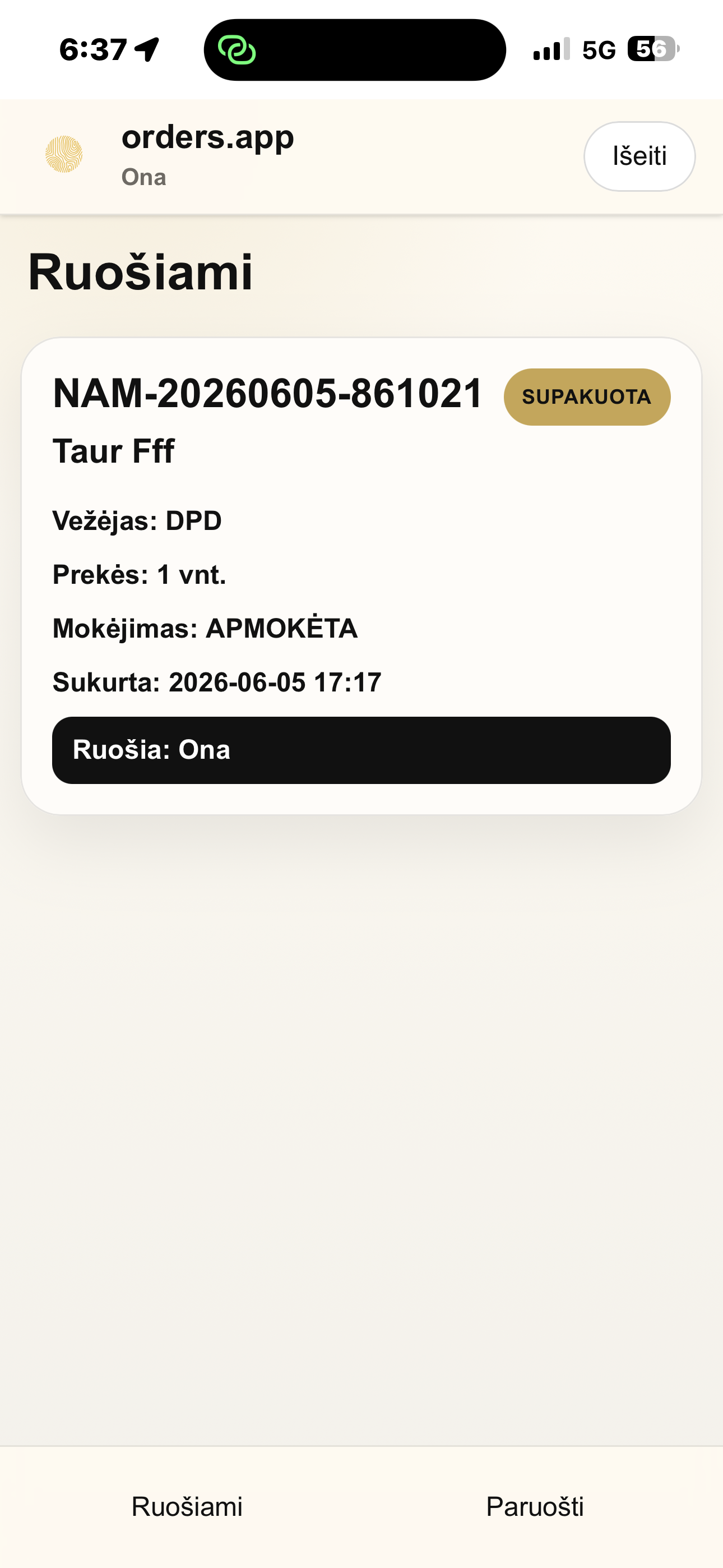
Order in → scan to verify → pack → Omniva auto-books the parcel locker and returns a shipment number. Done in seven taps.

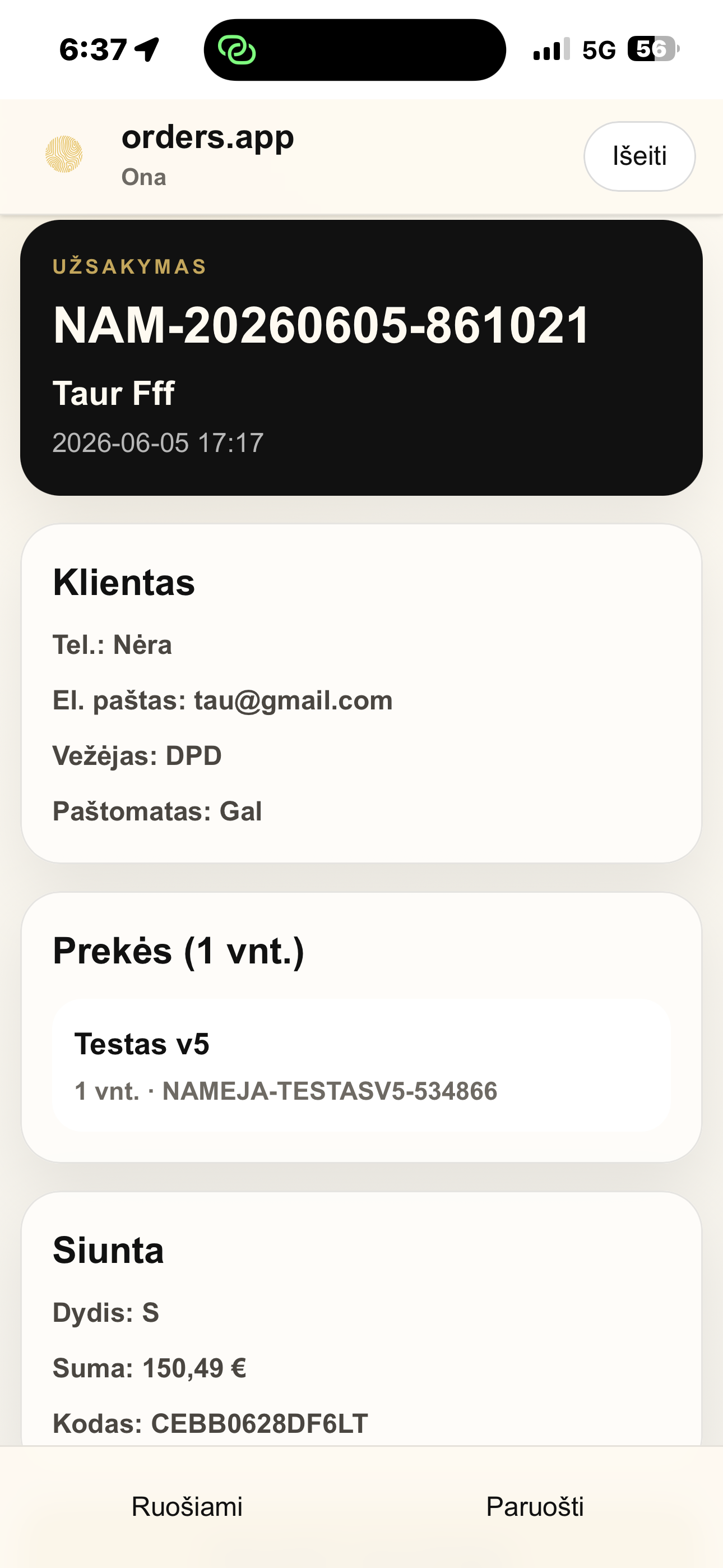
Retail OS order detail
Order items
Scan to verify
Retail OS order packed
Auto shipping label
Omniva locker booking
Fulfillment workflow

Seven steps. Zero guesswork.

1
Order drops in
Online order arrives in the fulfillment app in real time
2
Tap order — see items
Exact product list, sizes, quantities — no manual lookup
3
Pick — scan barcode
Physical item retrieved from stock, barcode scanned
4
System verifies ✓
Wrong item? Blocked. Right item? Green light.
5
Pack — tap "Packed"
Triggers the automated shipping flow
6
Omniva books locker
API fires — locker reserved, shipment number on screen
Number on box → Done
No manual labels. No errors. No missed steps.

The e-shop is the easy part.
The value is the operation around it.

Tech stack
Supabase · React / Next.js · Mobile barcode scanning · Omniva API · PostHog · Microsoft Clarity
← Back to Stanvera